
WebP to JPG Converter
Convert WebP images to high-quality JPG files. Your images never leave your browser.
Drop WebP images here
or click to browse files
WEBP ONLYWebP to JPG Converter
l that helps you convert WebP images into JPG format. You do not need Photoshop or any other software. Just upload your WebP image and the tool will automatically convert it into a JPG file.
The conversion happens directly in your browser, making the process quick and convenient.
How to Convert WebP to JPG?
Using this tool is very easy:
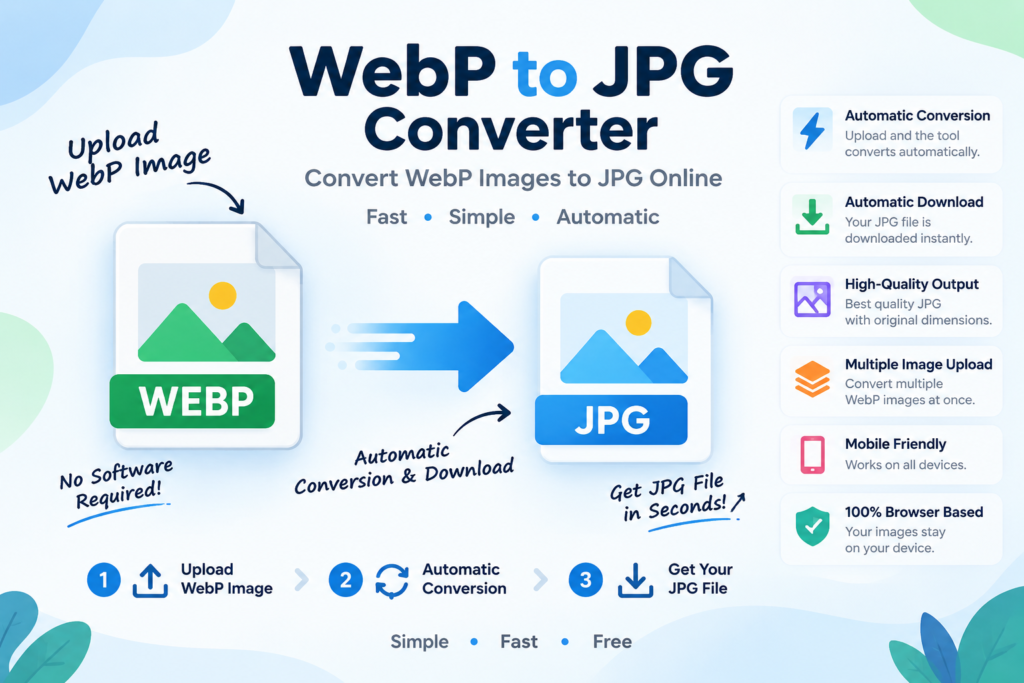
1. Upload Your WebP Image
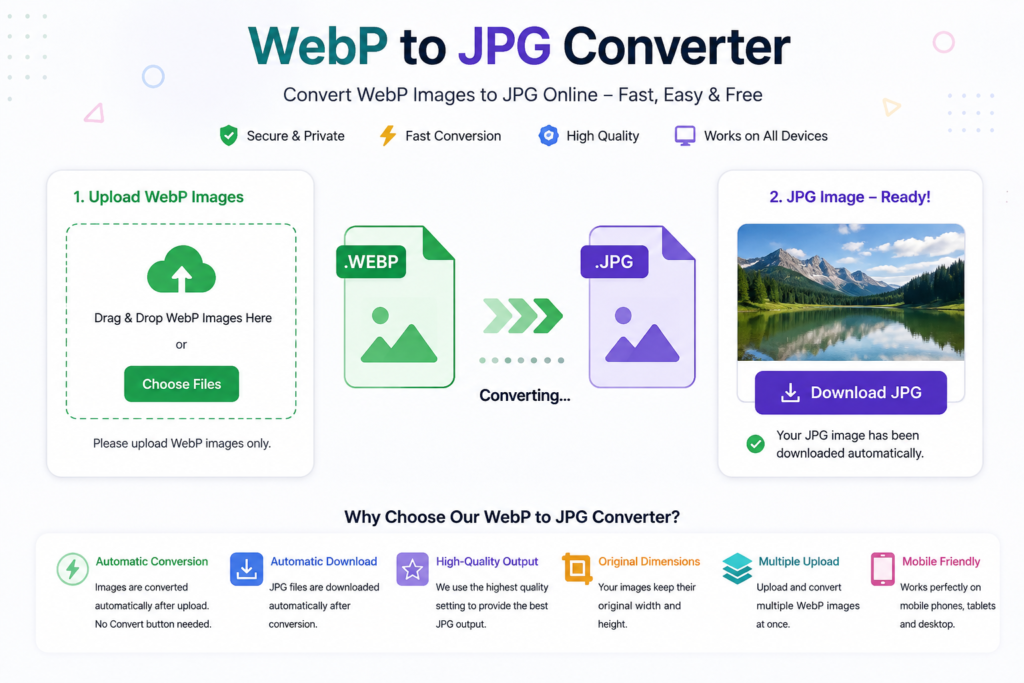
Click the upload area and select your WebP image. You can also drag and drop your file.
2. Automatic Conversion
As soon as you upload a valid WebP image, the tool automatically starts converting it to JPG. You do not need to click a Convert button.
3. Automatic Download
After conversion, your JPG file is automatically downloaded to your device. You can also use the Download JPG button to download it again.
Main Features
Automatic Conversion
Your WebP image is converted automatically as soon as you upload it.
Automatic Download
The converted JPG file is downloaded automatically after the conversion is complete.
High-Quality Output
The converter uses the highest JPEG quality setting available through your browser’s image conversion system.
Original Dimensions
The tool keeps the original image width and height. It does not intentionally resize your image.
Multiple Image Upload
You can upload multiple WebP images and the tool will process them one by one.
Drag and Drop
Simply drag your WebP files into the upload area or select them from your device.
Mobile Friendly
You can use the converter on phones, tablets, laptops, and desktop computers.
No Software Required
Everything works directly in your browser. You do not need to install any image editing software.
Is My Image Uploaded to the Server?
The conversion is performed directly in your browser. Your image does not need to be uploaded to a server for the conversion process.
Does WebP to JPG Conversion Reduce Quality?
JPG is a lossy image format, so some image data may change during conversion. The tool uses a high-quality JPEG setting, but the JPG file may not be exactly identical to the original WebP file.
What About Transparent WebP Images?
JPG does not support transparency. If your WebP image has transparent areas, they are converted to a white background in the JPG output.
WebP vs JPG
WebP is a modern image format that is commonly used on websites because it can offer smaller file sizes. JPG, however, is supported by almost all common devices, websites, apps, and image editing software. Learn more about image formats.
This is why you may sometimes need to convert WebP to JPG.
Frequently Asked Questions
What is a WebP to JPG Converter?
It is an online tool that changes WebP images into JPG format.
How do I convert WebP to JPG?
Upload your WebP image. The tool automatically converts and downloads the JPG file.
Do I need to click a Convert button?
No. Conversion starts automatically after you upload the image.
Does the JPG download automatically?
Yes. The JPG file is automatically downloaded after successful conversion.
Can I upload multiple WebP images?
Yes. You can upload multiple WebP files at the same time.
What if I upload PNG or JPG?
The tool accepts WebP files only. You will see this message:
Please upload WebP images only.
Does the converter resize my image?
No. The original image dimensions are preserved during conversion.
Can I use the tool on mobile?
Yes. It works on modern mobile and desktop browsers.
Is the tool free to use?
Yes, you can use the converter directly from your browser without installing any software.
Conclusion
The WebP to JPG Converter makes image conversion simple. Upload your WebP image, let the tool automatically convert it, and get your JPG file without complicated software or settings.